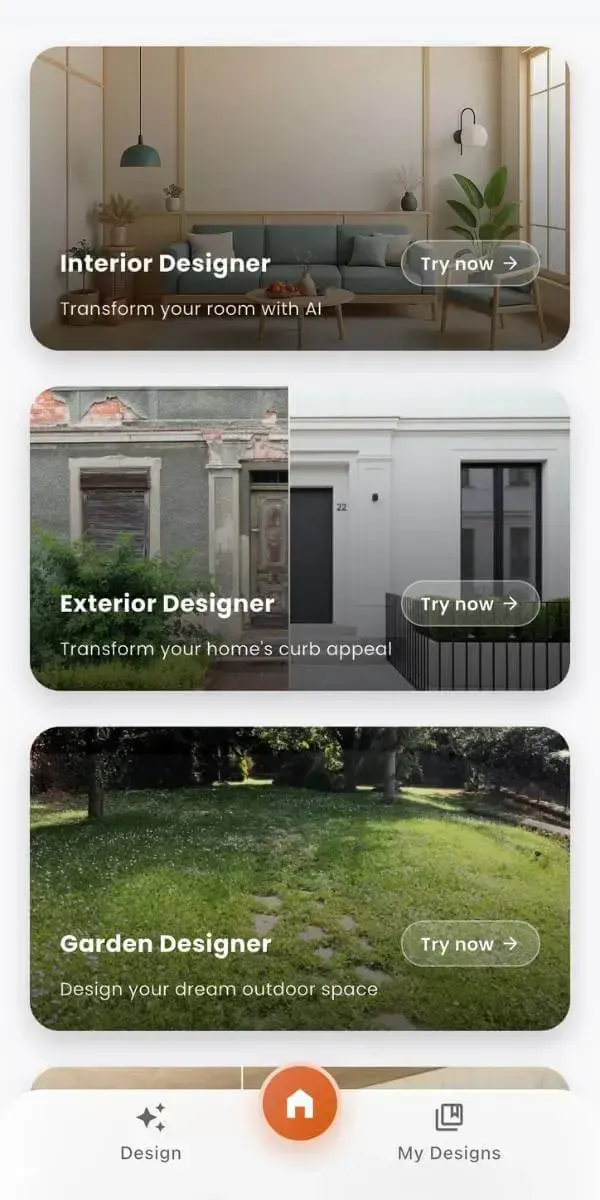
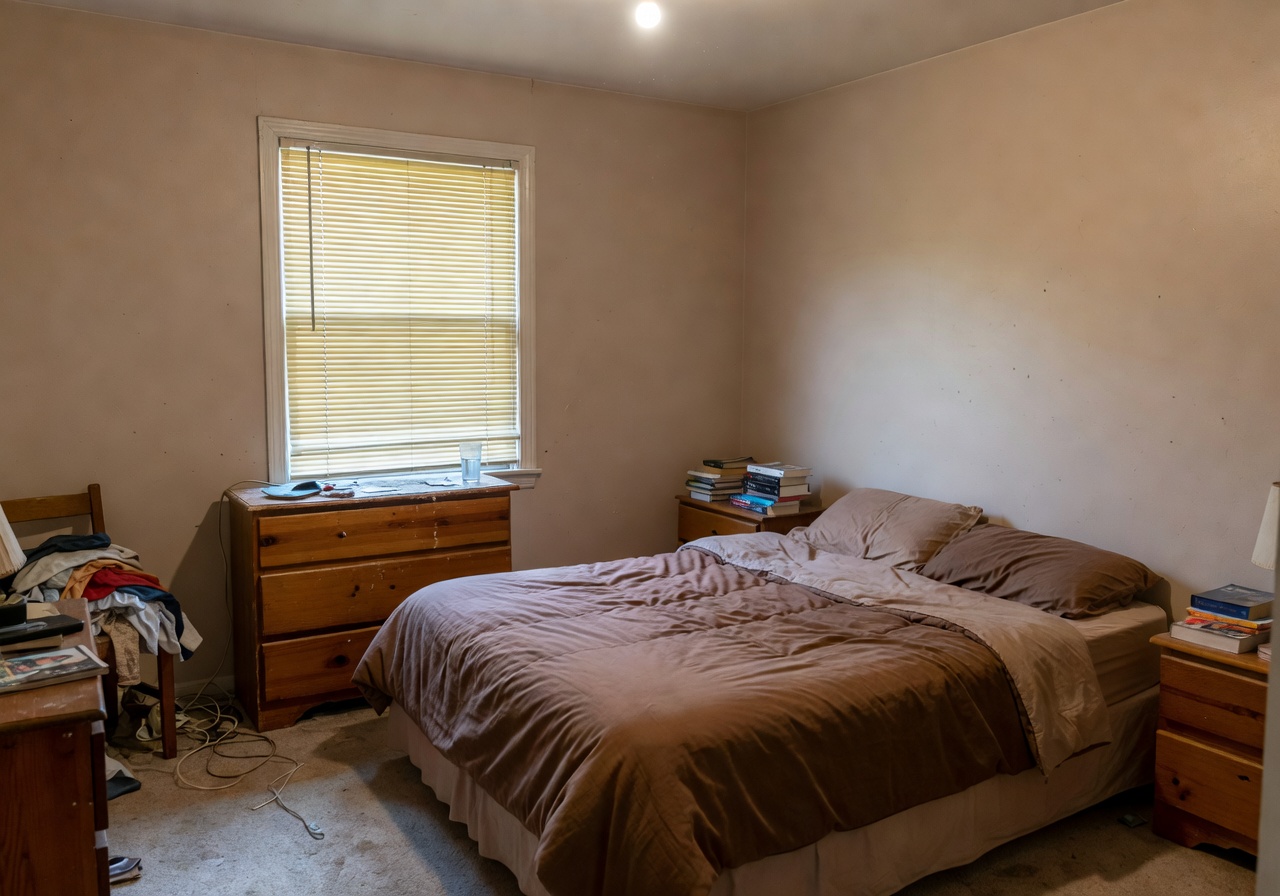
 Before
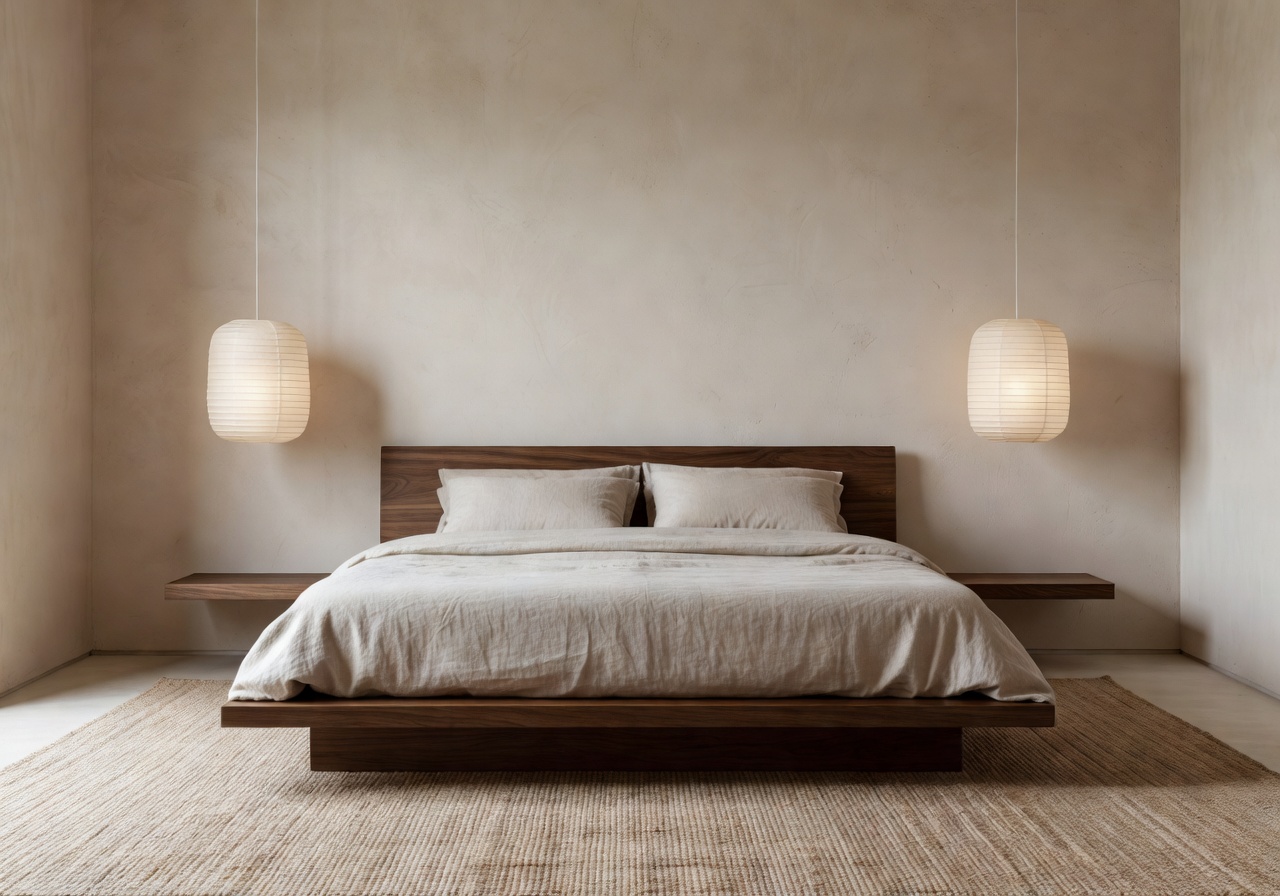 After
AfterJapandi bedroom redesign
Low walnut bed, washed linen, paper pendant, restful clay-toned plaster wall.
 DecorAI
DecorAI is the AI interior design app that lets you snap a photo of any room and instantly see it restyled into dozens of interior design ideas you'll actually want to live in.
Upload once. Explore Japandi, minimalist, modern, boho, coastal, and more. Every AI room makeover keeps your walls, your windows, your light — and simply shows what the space could become.


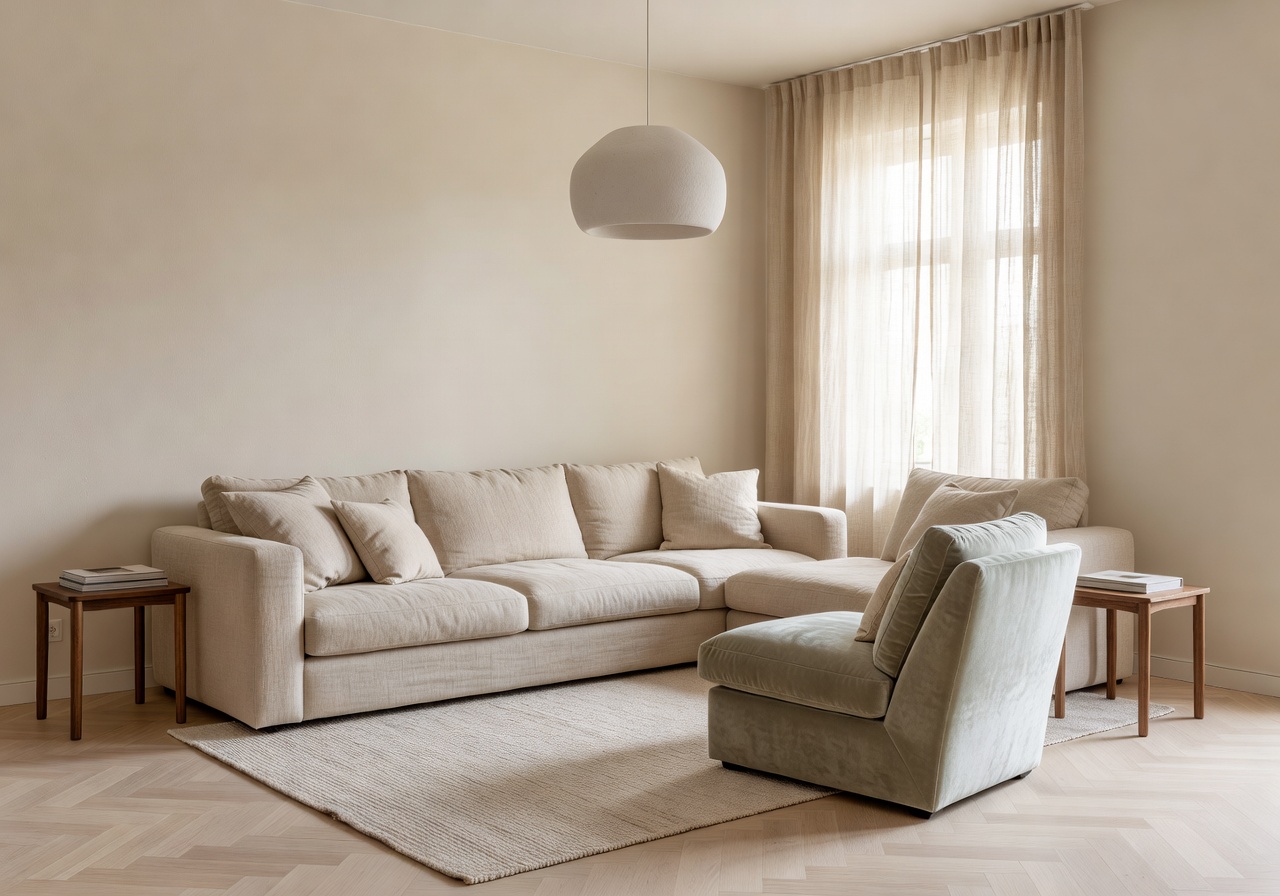
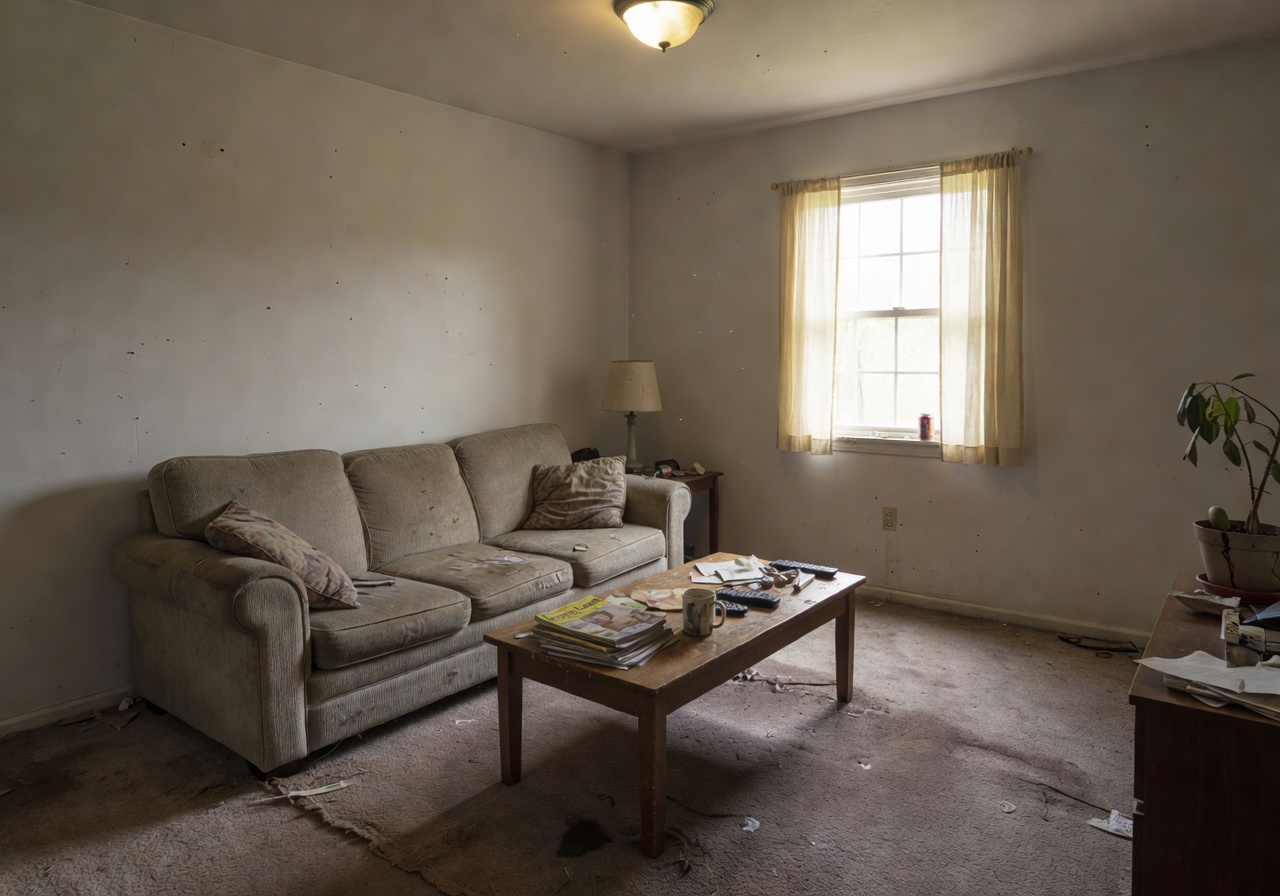 Before
After · DecorAI
Before
After · DecorAI
Every DecorAI redesign starts from a real photograph — the walls, windows, and light stay yours. Only the furniture, finishes, and feeling change. Here are five AI room makeover examples that show exactly what to expect.
BeforeAfterLow walnut bed, washed linen, paper pendant, restful clay-toned plaster wall.
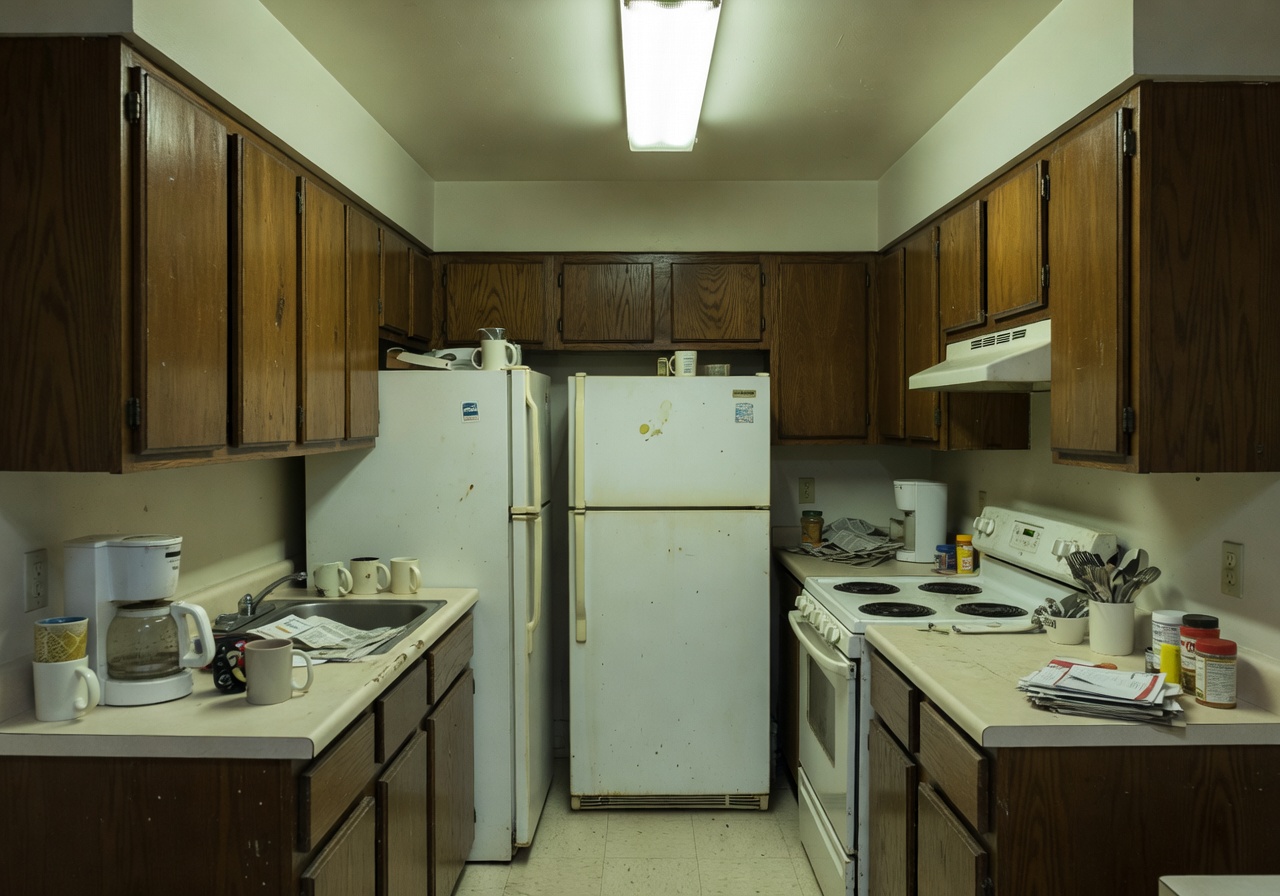 Before
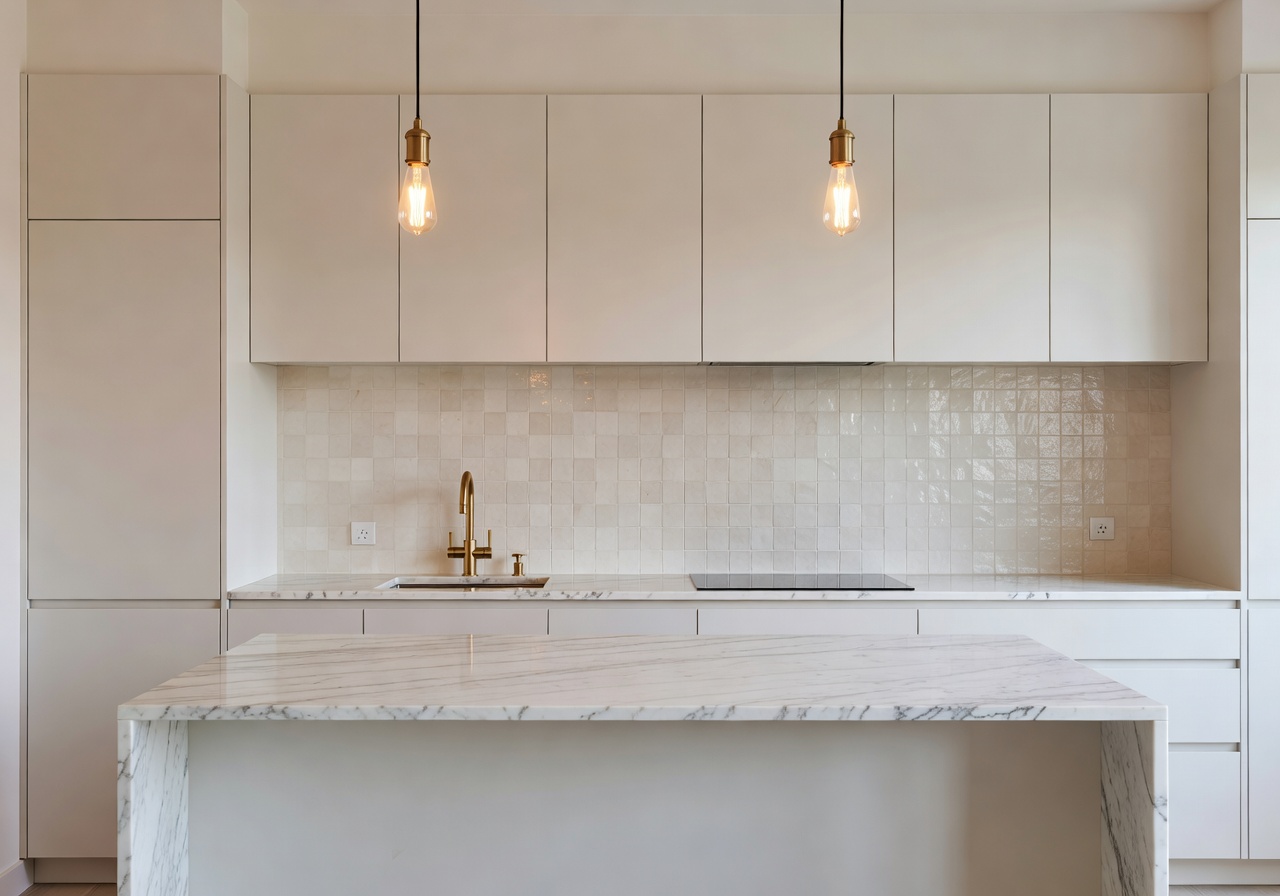 After
AfterWarm white cabinetry, honed marble island, brass hardware, zellige backsplash.
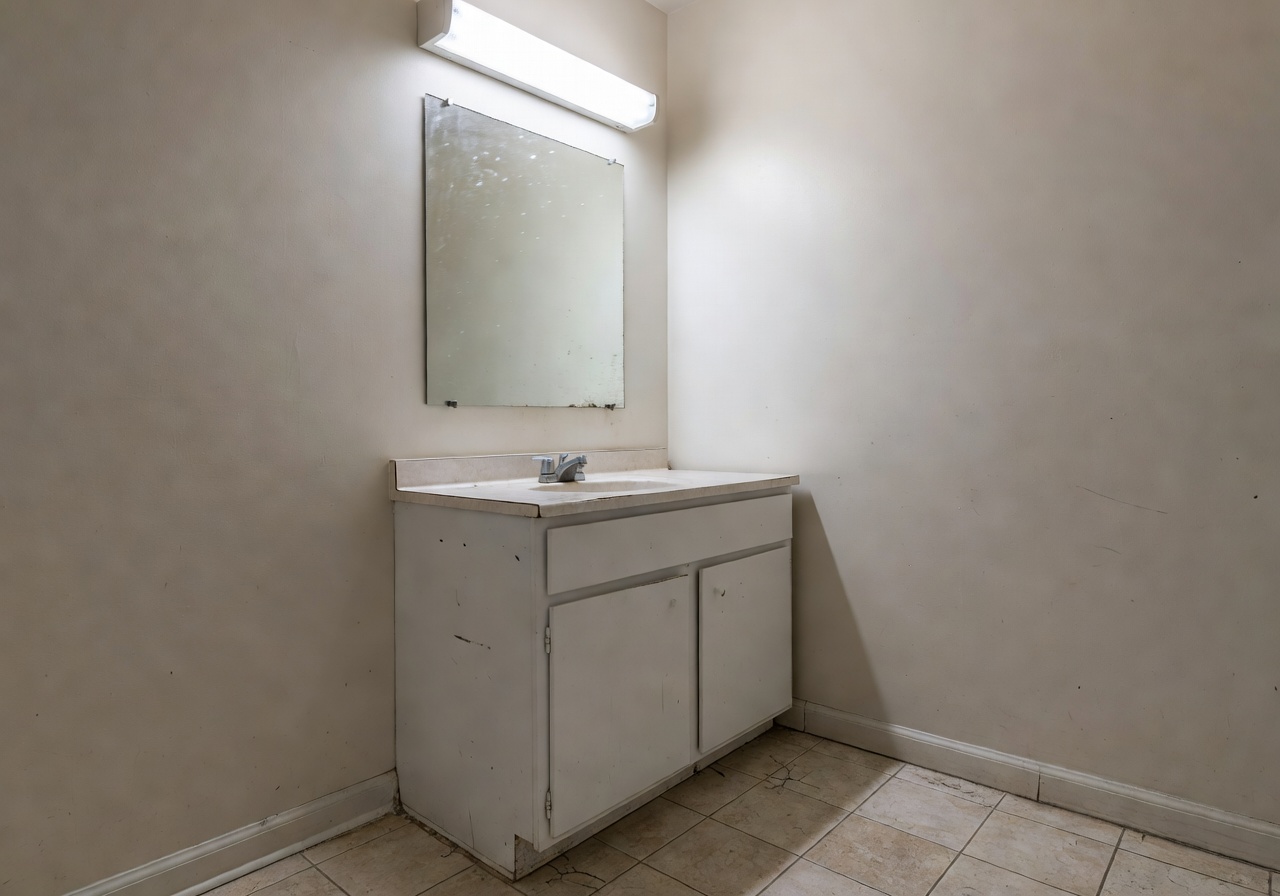 Before
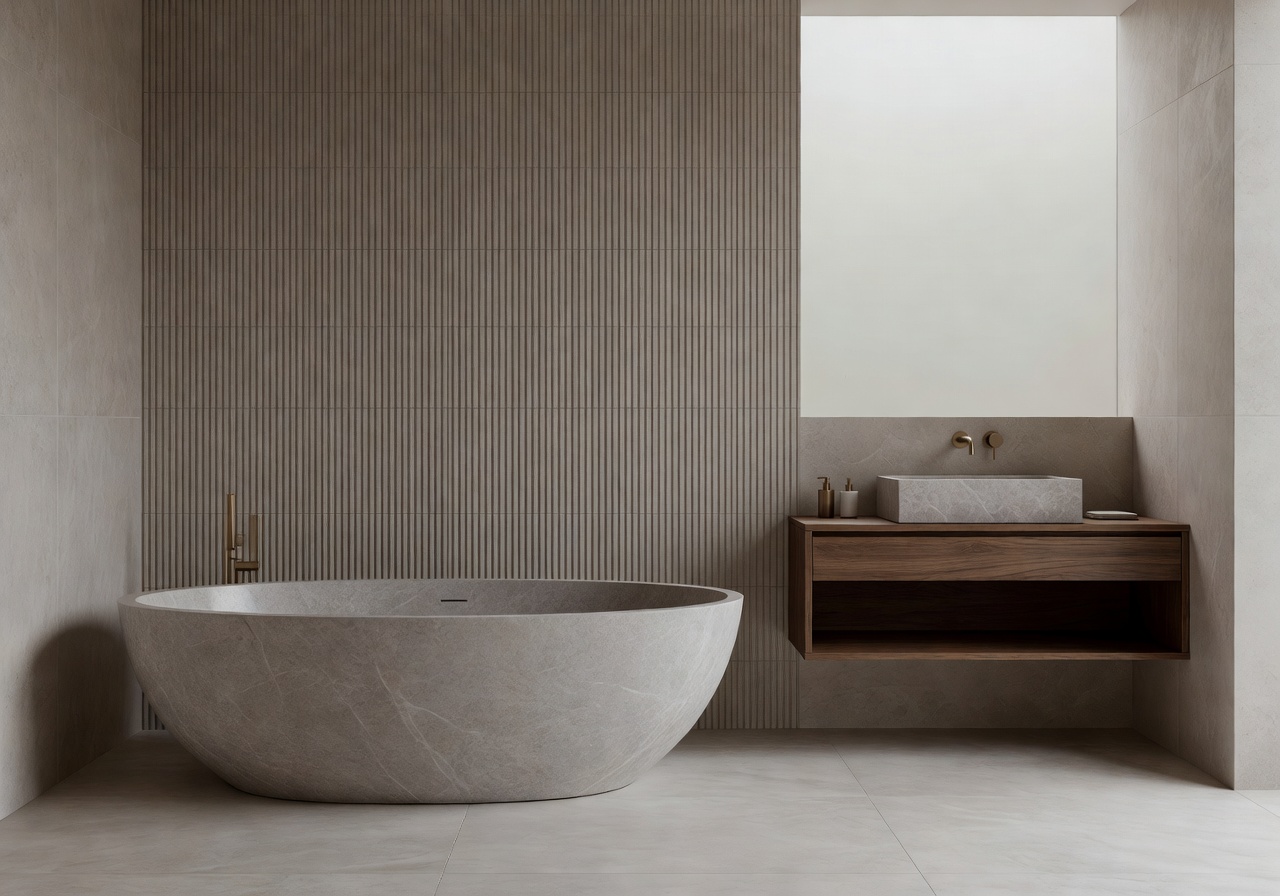 After
AfterFreestanding soaking tub, fluted taupe tile, floating walnut vanity, softly diffused light.
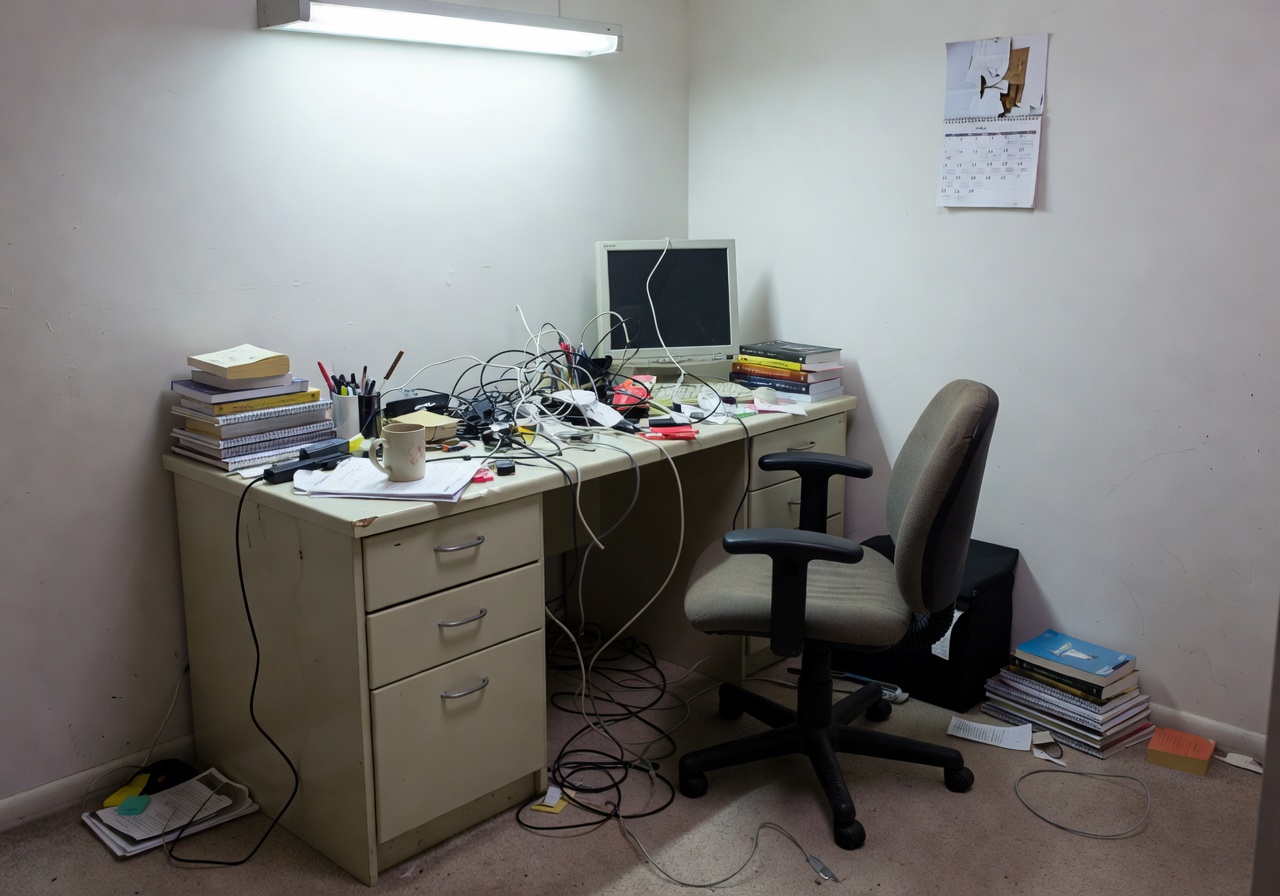 Before
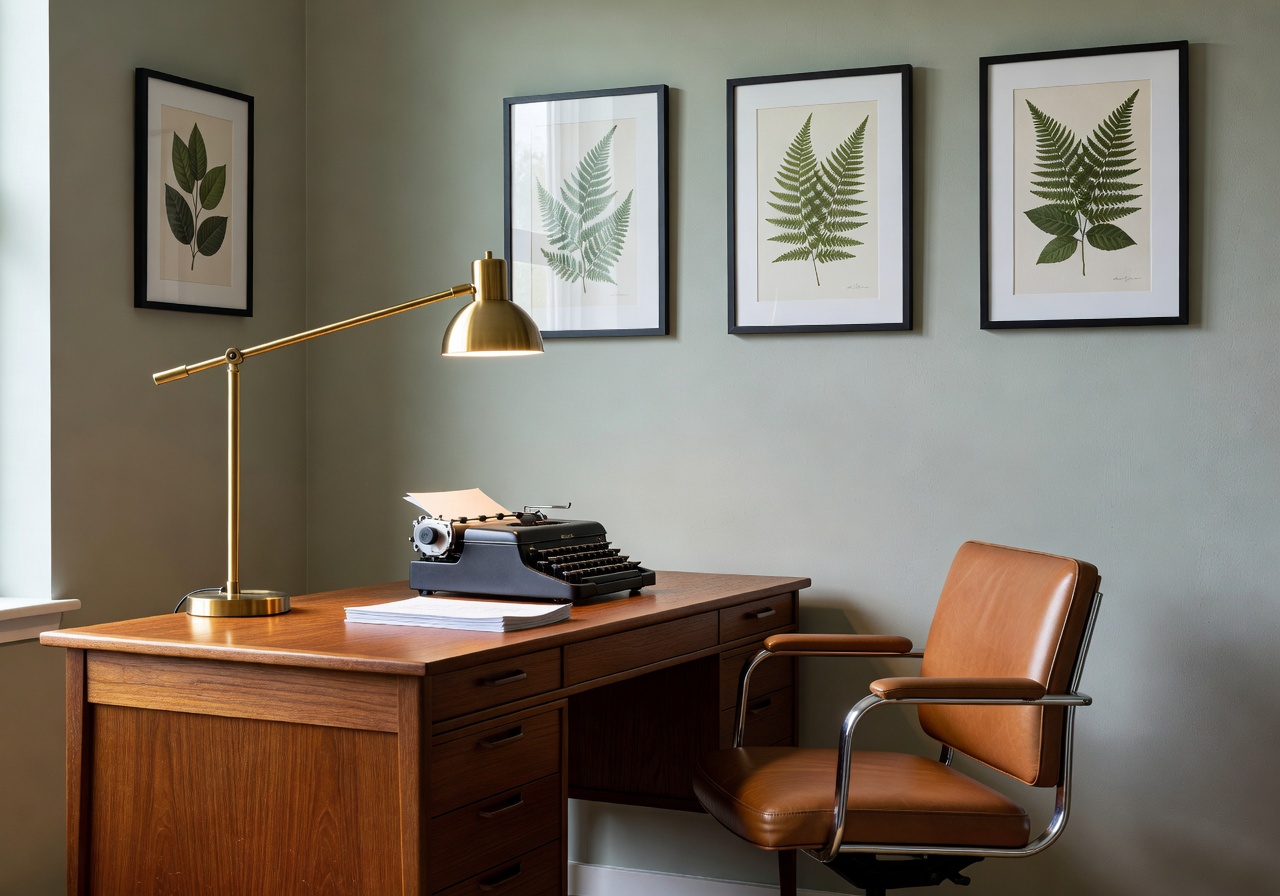 After
AfterTeak desk, sage accent wall, brass arc lamp, framed botanicals, calm morning tone.
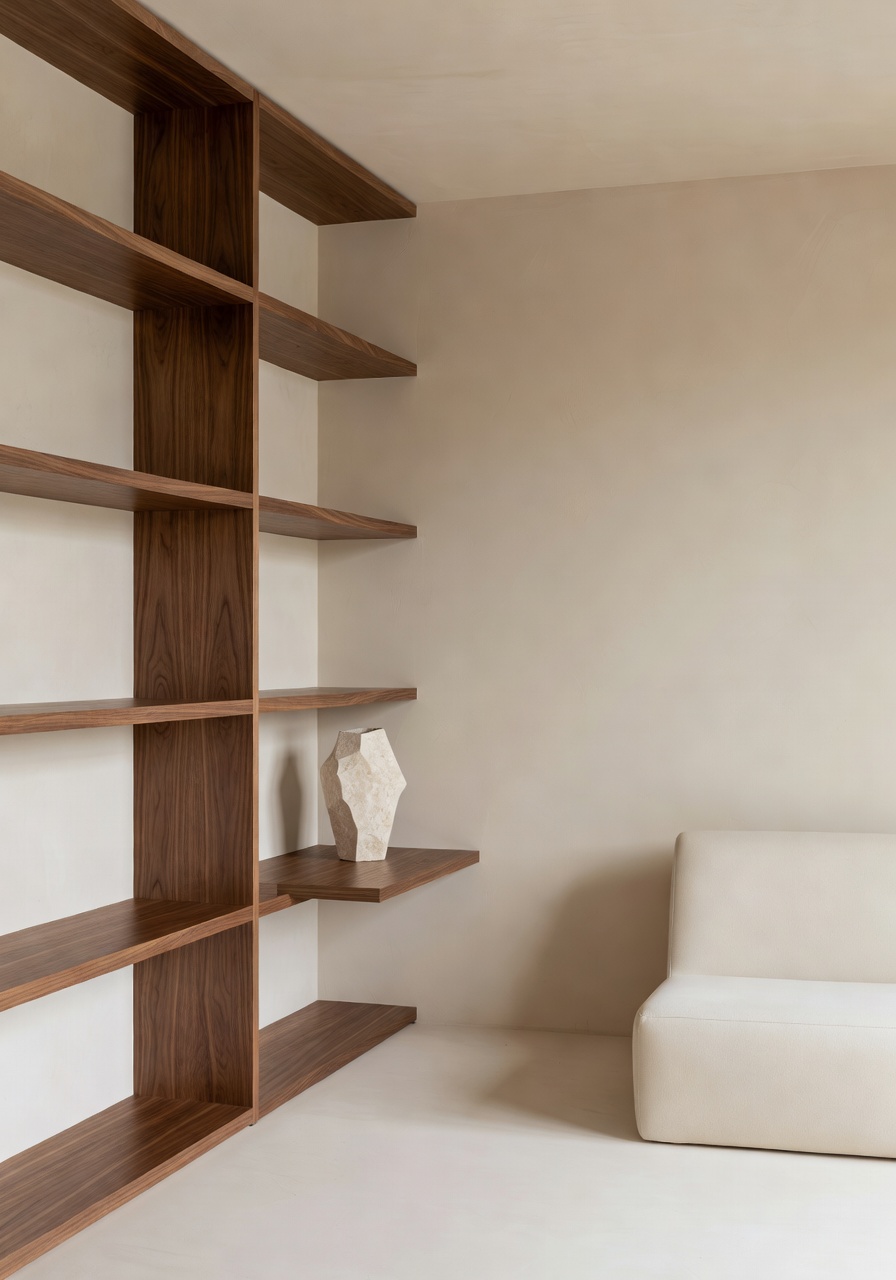
DecorAI is an AI interior design app built around a simple idea: the best room inspiration isn't a stranger's apartment on Pinterest — it's your actual room, already redesigned. You upload a picture of the space as it is today. The AI keeps the walls, windows, ceiling height, and daylight, then reimagines everything inside them — furniture, textiles, color, finishes, lighting.
It's the difference between collecting ideas and seeing them applied to your exact space. That's why people use DecorAI before buying a sofa, before calling a painter, before signing a renovation contract. Interior design from a photo turns a decision into a preview.
Most design tools stop at inspiration. DecorAI goes the distance — from photo, to rendered concept, to a decorating direction you feel confident about.
Upload a photo and watch an AI room design render in under ten seconds. No waiting, no complex software, no subscription walls to start.
You don't have to name a style, know a pattern, or understand color theory. Tap Japandi, tap Boho, tap Minimalist — and compare.
Generate Modern, Coastal, Scandinavian, Luxury, Industrial or Farmhouse on the same room. See the look before you live with it.
Picture that sectional, that rug, that paint color in your actual living room — without returns, without regret, without guesswork.
Every redesign starts from your photograph, so every result feels personal. This is your space on the other side.
Seeing is deciding. DecorAI replaces "I think I'd like it" with "I can see it," and that quiet certainty is what makes rooms feel finished.
The entire DecorAI workflow — from opening the app to saving your favorite AI home design — takes less time than boiling water for tea.
Snap the space or pick from your camera roll. Living room, bedroom, kitchen, bathroom — any room works.
Browse fifteen+ interior design styles — Japandi, Modern, Boho, Coastal, Minimalist, Luxury, Industrial and more.
The AI renders a realistic AI room makeover in seconds, keeping your walls, windows and light.
Keep the directions you love, compare side by side, and share with a partner, friend, or designer.
DecorAI is a mobile-first AI room planner designed around the real decisions you make when you want to change a space — not a desktop tool ported to mobile.
Import from camera or gallery — portrait, landscape, small or large rooms all supported.
Tuned interior design models render materials, furniture, and lighting with photorealistic depth.
A curated style library spanning Modern, Japandi, Boho, Coastal, Minimalist, Luxury, and more.
Outputs preserve your walls, windows, and proportions — so redesigns stay believable and useful.
Keep favorites in a private library and flip between AI home design directions side by side.
Send a before-and-after to a partner, a friend, or your interior designer in two taps.
Everything happens on your phone — no cables, no desktop upload, no learning curve.
Your photos stay yours. Generation is fast; the interface is calm; your library is private.
Try every style on every room. The more you generate, the closer you get to the look that's truly yours.
AI interior design uses trained image models to render realistic room concepts on demand. Instead of pinning photos of other people's homes and hoping a living room like theirs would fit your space, AI interior design shows you your room on the other side of the decision. That shift — from reference to preview — is what makes it so useful.
With DecorAI, AI interior design happens in a single, calm motion: a photograph in, a rendered room back. No moodboards to assemble. No measurements to enter. Just a visual answer to the quiet question most of us ask when we walk into a tired space — what could this actually become?
Because the model understands architecture as well as decor, it keeps windows where your windows are, doorways where your doorways are, ceiling heights honest. The redesigned rooms feel like your home, only finished.
A real AI interior design app isn't a website squeezed into a phone — it's built for the way decorating decisions actually happen. You notice a tired corner on a Tuesday. You open the app. You take a photo. By the time the kettle is ready, you have three finished-feeling directions for the room you were staring at two minutes ago.
DecorAI is optimized for that rhythm. The interface is quiet, the controls are large, the generation is fast, and the results are beautiful enough to keep. The AI interior design app is free to download on iPhone and Android — the idea is to lower the friction between inspiration and decision as much as we possibly can.
Interior design from a photo is a surprisingly recent idea. For decades, redesigning a room meant sketches on tracing paper, swatches on a desk, mood boards that never quite matched the space they were meant for. DecorAI collapses that entire workflow into one action: point your camera, upload, and the room redesigns itself in the styles you want to try.
The advantage is honesty. A render of your own living room is far more useful than a photo of somebody else's — because it tells you whether the sofa fits between your windows, whether the rug reads warm in your light, whether the wall color you're considering turns gray in the afternoon. Interior design from a photo is AI interior design at its most practical.
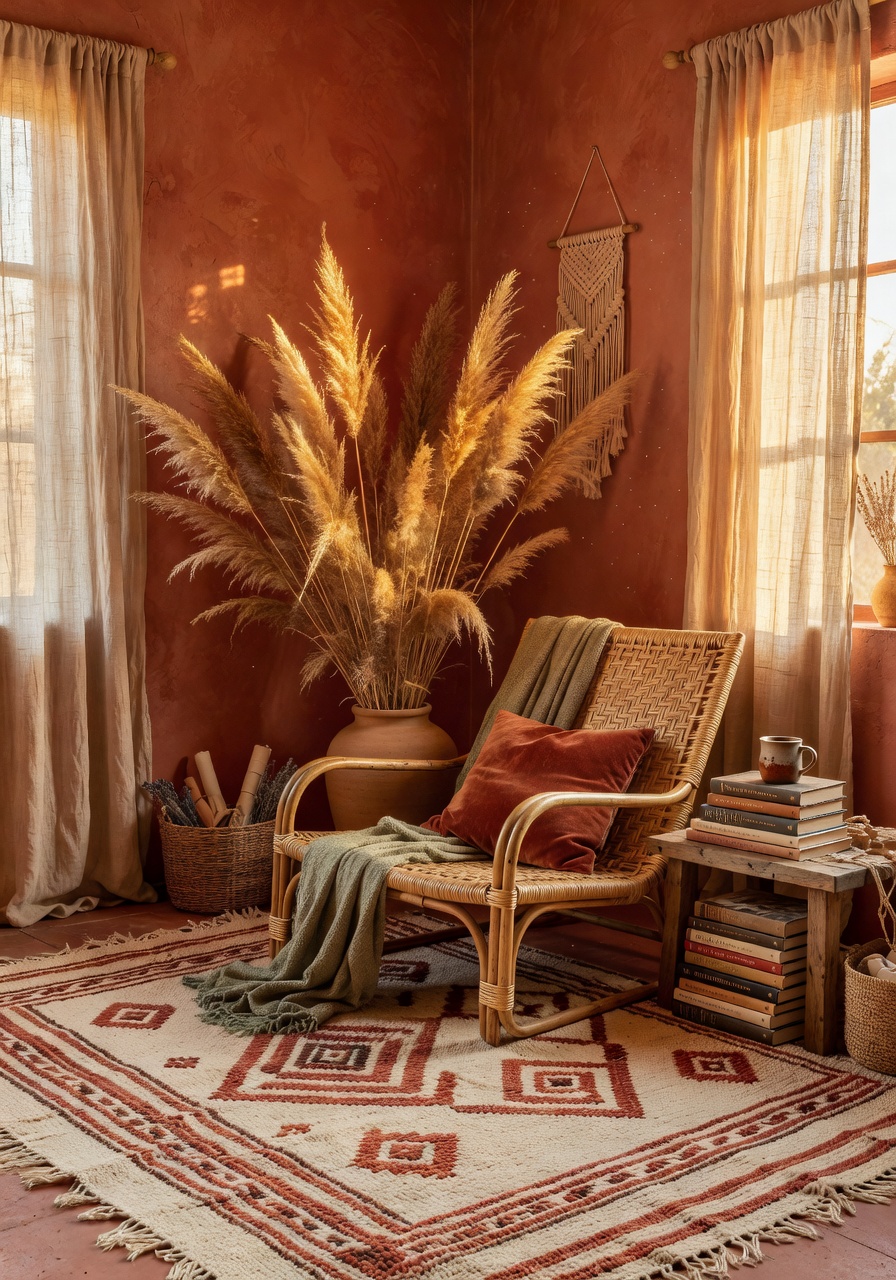
An AI room makeover is permission to try the version of your home you've been quietly picturing for months. It is low-stakes, high-imagination. You get to see the reading nook with the terracotta wall wash before you order the paint. You get to see the bedroom as Japandi, then as coastal, then as bohemian — and your wall, your window, your floor stay exactly where they are the whole time.
Because DecorAI renders an AI room makeover in seconds, the cost of an experiment drops to almost nothing. You can try five directions in the time it would take to describe a single one to a friend. The right answer tends to announce itself.
AI home design isn't just a pretty living room — it's a coherent home. DecorAI helps you apply one thread of inspiration across several rooms so the kitchen and the bedroom feel like they belong to the same house. Try a single style on the whole home, or layer related palettes from room to room. The app is built for AI home design at scale as much as it is for a single AI room design.
When the living room lands on Modern, the bedroom on Japandi, and the kitchen on Minimalist — and they all share warm ivory walls, walnut accents, and soft sage — you're not decorating rooms anymore, you're composing a home.
Every style below can be applied to any photo you upload. Tap to see your living room, bedroom, kitchen, bathroom, or home office rendered in that exact interior design style, instantly.
ScandinavianJapandiBohoModernMinimalistCoastalMid-centuryIndustrialLuxuryCozy NaturalFrom small apartments to family homes, DecorAI is tuned for real residential spaces — not generic 3D renderings.
AI living room design that preserves your sofa wall and window while redrawing everything else — palette, rug, lighting, art.
Restful AI bedroom redesign across Japandi, Modern and Boho — bedding, headboard, paint color and nightstand in one render.
Swap cabinet color, counter material, backsplash, and lighting without picking up a single sample chip.
Tile, vanity, tub, fixtures and softened light — see a spa-leaning bathroom concept in your exact footprint.
Small-space AI room design that respects limited footprints and open-plan layouts, not oversized fantasy rooms.
Calm home office design ideas — desk, chair, shelving, color — for the way you actually work from home.
Table, lighting, rug, finishes — dining room design concepts ready for the next time you host.
Soft, livable AI room design directions for growing homes — warm, safe, and still beautiful.
DecorAI is designed for anyone who loves beautiful interiors and wants to see decisions before making them. It is especially useful in the following moments.
See your living room or bedroom in new interior design styles before you paint, reupholster, or replace furniture.
Picture a soft, reversible redesign — new textiles, art, lighting and palette — without touching a single wall.
Upload empty-room listing photos and imagine each space furnished in several interior design directions before the boxes arrive.
Compare AI room makeover directions with your contractor and decide kitchen finishes, bathroom tile, and flooring from a preview, not a guess.
Explore every style you've ever pinned on your own real room — Japandi this morning, coastal tonight.
Use DecorAI as a fast AI room planner for client moodboards, listing preparation, or weekend decorating projects.
See the full palette, rug, sofa, lighting and art together — not as separate swatches — before any of it lands on your porch.
Try Japandi, Boho, Modern, Coastal and Minimalist on the same living room in an afternoon.
Picture the sectional versus the two-seater. The round dining table versus the rectangle. Without the store visit.
Imagine bed on the long wall vs the window wall, see the AI home design difference in your exact bedroom.
Bring an AI room makeover to your contractor so conversations about kitchen cabinets or bathroom tile start visual.
Send before-and-after pairs back and forth until you both land on the same direction — without arguing through words.
Generate six AI room design directions, save three, and build a moodboard grounded in your real space, not someone else's.
Know the style, color, and silhouette you're going for — then buy once, with the image to back it up.
Upload a photo, choose a style, and see a beautiful AI room design before your thought finishes.
The taste is already built into the styles — you just have to recognize the room you want to live in.
Flip between directions without losing any of them. Decisions get easier when alternatives are visible.
See the paint color, the couch shape, the rug pattern in context — before a single item is ordered.
No desktop. No floor plan software. No steep learning curve — just a quiet app on a quiet evening.
What used to be weeks of research collapses into a few evenings of generating and refining concepts.
Seeing your real room redesigned removes the second-guessing that usually slows down home projects.
Build a personal archive of concepts you can revisit — months later, the taste you're growing into will still be there.
Real photos, reimagined by AI. Each image below started as a tired, unstyled room — and ended as a concept worth pinning.
"I'd been circling a living room refresh for two years. I tried three styles in DecorAI on a Sunday afternoon and finally understood which direction felt like ours. The renovation started the next weekend."
"Before DecorAI, we would buy a rug, hate it, return it, repeat. The AI room makeover feature let us picture five rugs in the room before ordering. We finally kept one."
"I use DecorAI to moodboard with clients now. I upload the actual listing photo, generate three interior design directions, and we pick one before we talk furniture. It has cut my planning time in half."
An AI interior design app uses artificial intelligence to turn a photo of your room into realistic redesign concepts across different interior design styles. DecorAI is the AI interior design app that lets you upload a room photo and instantly generate realistic before-and-after designs — from your phone, in seconds, free to try.
Open the app, take or upload a photo of the room you want to redesign, pick the interior design style you want to try — Japandi, Modern, Minimalist, Boho, Coastal and more — and the AI renders a realistic version of your exact space in that style within seconds.
Yes. Interior design from a photo is the core of DecorAI. Upload a picture of your living room, bedroom, kitchen, bathroom or home office and the AI preserves your walls, windows, and proportions while rendering new furniture, finishes, lighting, and decor.
DecorAI offers a curated library of interior design styles including Modern, Minimalist, Scandinavian, Japandi, Boho, Contemporary, Luxury, Industrial, Cozy, Natural, Coastal, Mid-century, Farmhouse and more. You can try several on the same room and compare them side by side.
Absolutely. DecorAI is built for the planning phase — it lets you see realistic AI room makeover options in your actual space before you spend money on furniture, paint, or contractors. It also makes it far easier to align a partner, designer, or builder around a single direction.
Yes. DecorAI is tuned for real residential spaces — studios, one-bedrooms, open-plan apartments, and larger homes. The AI respects the geometry of your photo, so even small-space AI room design stays realistic.
DecorAI uses state-of-the-art image models tuned specifically for interior design. The redesigns preserve walls, windows, and scale, and render materials, lighting, and furniture with photorealistic depth. Most people can't tell a generated room from a professional photograph.
No. DecorAI is built for people who love beautiful rooms but don't want to learn design software. Pick a style, let the app handle the rest. You don't need to name a palette, a pattern, or a period — just choose the version of the room that feels like home.
Yes. DecorAI lets you generate several AI home design directions for the same room, save your favorites to a private library, and compare before-and-after views side by side — so you can feel confident about a direction before committing.
Yes. DecorAI – AI Interior Design is free to download on the Apple App Store for iPhone and on Google Play for Android. It is mobile-first and designed to redesign rooms entirely from your phone.
DecorAI is free to download and free to start redesigning. Some advanced features and unlimited generations are available on an optional premium plan, but you can explore the core AI interior design app without paying a cent.
Your photos are processed securely and only used to generate your redesigns. You are always in control of what you save and what you share. See the privacy policy for full detail.
DecorAI
The app is free to try. Snap a photo of the room you've been meaning to reimagine, pick a style you've been quietly pinning for months, and see your space on the other side of the decision.